Mastering CSS Flexbox: A Complete Guide to Responsive Web Design

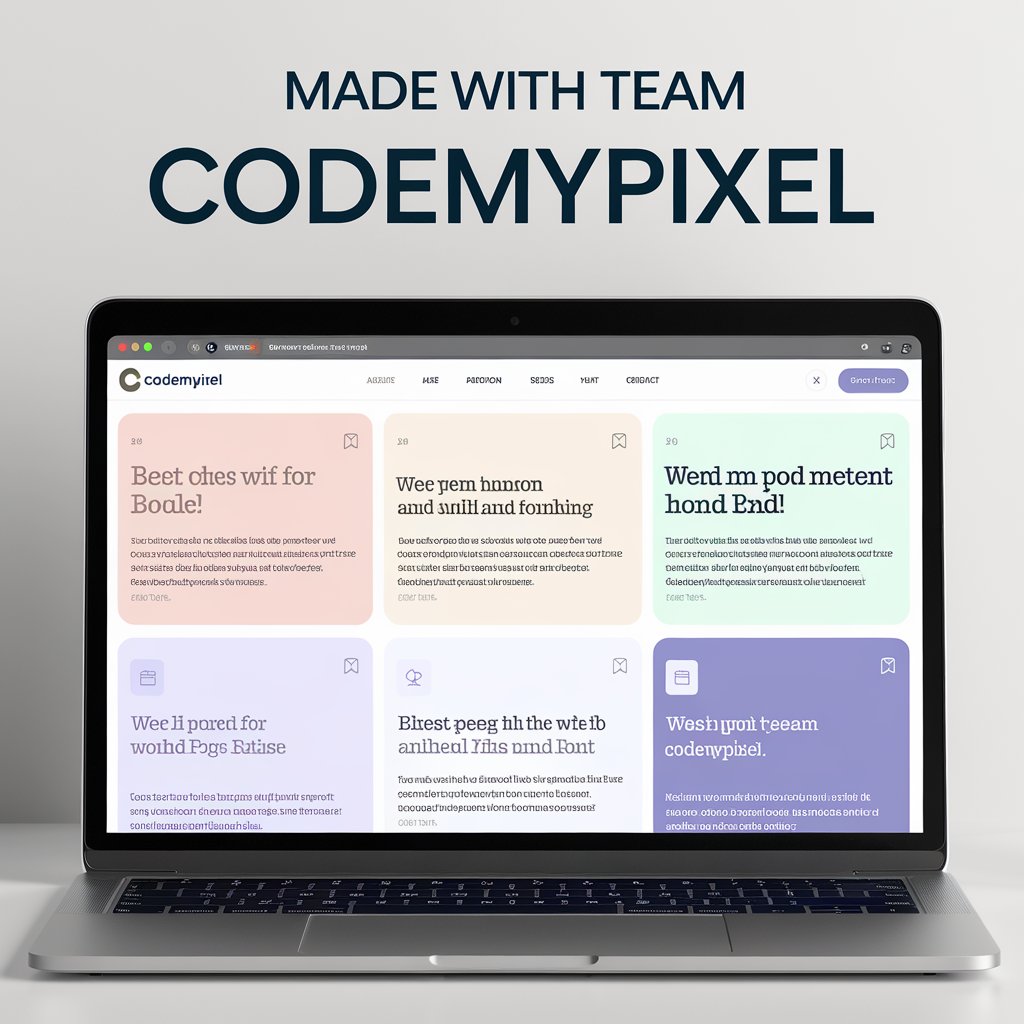
A laptop screen displays a web page titled "MADE WITH TEAM CODEMYPIXEL" featuring a grid layout of colorful cards containing text in various languages.

About Codemypixel

CodeMyPixel delivers high-impact AI SaaS, custom web applications, and AI automation solutions for global clients. We handle product planning, system architecture, secure authentication, payments, dashboards, and scalable AI logic. Our work includes custom AI chatbots, AI-powered SEO systems, automation workflows, high-performance WordPress sites, ecommerce platforms, and redesigns—built with clean code, strong SEO, speed, security, and long-term support for sustainable growth.

If you’ve ever found yourself struggling with CSS issues like overflowing elements or weird resizing behavior, then understanding CSS Flexbox is a game-changer for you. This comprehensive guide dives deep into Flexbox, a powerful layout model in CSS that enables efficient design of flexible responsive layout structures without much hassle.

What is Flexbox?

Flexbox stands for Flexible Box Module, and it revolutionized how developers approach layout problems in CSS. It simplifies the process of designing scalable elements that adjust according to screen size, making it an indispensable tool in creating responsive websites.

Key Concepts of Flexbox

1. Defining a Flex Container

Flexbox requires you to define a flex container first, which could be any HTML element like a <div>. This container then becomes the parent element for your flex items (the child elements you want to lay out).

2. Main Axis and Cross Axis

Flexbox layouts are based on two axes: the main axis and the cross axis. The main axis is defined by the flex-direction property, which can be set to row or column. The cross axis runs perpendicular to the main axis. Understanding these axes is crucial for aligning content properly.

3. Using justify-content and align-items

These two properties control the alignment of flex items along the main axis and cross axis, respectively:

  • justify-content: This property manages spacing and alignment along the main axis (e.g., flex-start, center, space-between).
  • align-items: This controls alignment across the cross axis (e.g., center, flex-start, flex-end).

Practical Examples and Tips

How to Center a Div

Centering elements, a common challenge in CSS, is trivial with Flexbox. To center a div horizontally and vertically, you set the parent container to display: flex, use justify-content: center for horizontal alignment, and align-items: center for vertical alignment.

Responsive and Adaptable Layouts

Flexbox’s true strength lies in its ability to create responsive layouts that adapt to different screen sizes. Properties like flex-wrap allow flex items to wrap onto multiple lines, while flex-grow and flex-shrink control how items grow and shrink dynamically based on available space.

Flex Direction Manipulation

The flex-direction property changes the orientation of the main axis, thus influencing the direction in which children are laid out (horizontally in a row or vertically in a column).

Why Use Flexbox?

Using Flexbox allows for more efficient CSS coding, reducing the need for excessive divs and complex positioning rules that were common in the past. It provides a clean and straightforward way to align items perfectly, control spacing, and build adaptive layouts.

Flexbox is a robust tool that, once mastered, can elevate your CSS layouts to a new level of precision and responsiveness. Whether you’re building complex web applications or simple responsive websites, Flexbox offers the flexibility and control needed to efficiently design layouts that work on every device.

For those eager to deepen their understanding and skillset in web development with practical projects and advanced techniques, exploring a complete CSS course could be the next step. CSS Flexbox, combined with CSS Grid, forms the backbone of modern web design, empowering developers to build more accessible, elegant, and responsive websites.
CodeMyPixel Portfolio - Elementor Widget

Our Latest Projects

Discover our cutting-edge AI-powered solutions and innovative digital experiences that transform businesses and captivate users.

Website

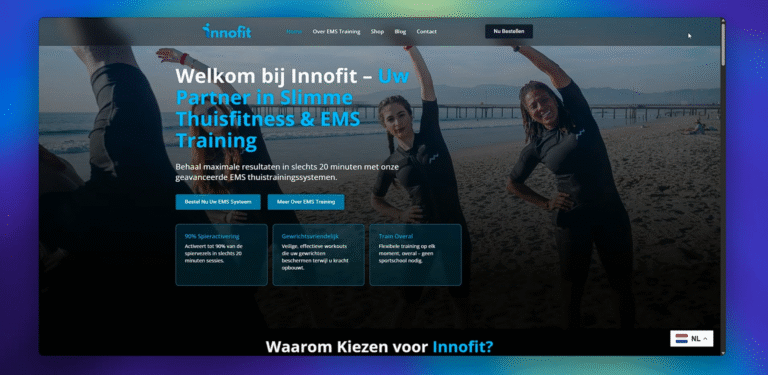
Redesign Innofit's Shopify Website in WordPress

Complete website redesign and migration from Shopify to WordPress, featuring modern design, enhanced user experience, and improved performance optimization.

WordPress Elementor PHP CSS3 JavaScript
Website + AI Chatbot

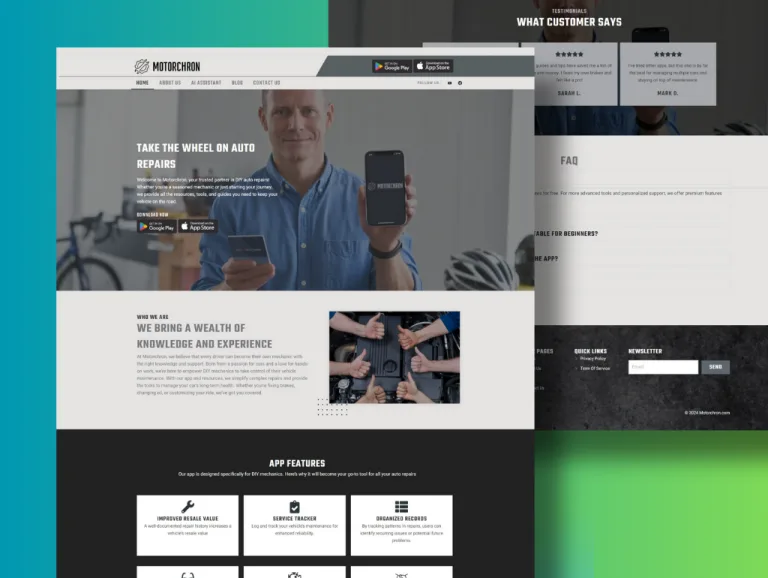
Motorchron – Website & AI Chatbot

Comprehensive website development with integrated AI chatbot solution for enhanced customer support and automated interactions.

WordPress Elementor OpenAI Botpress JavaScript
Website + AI Chatbot

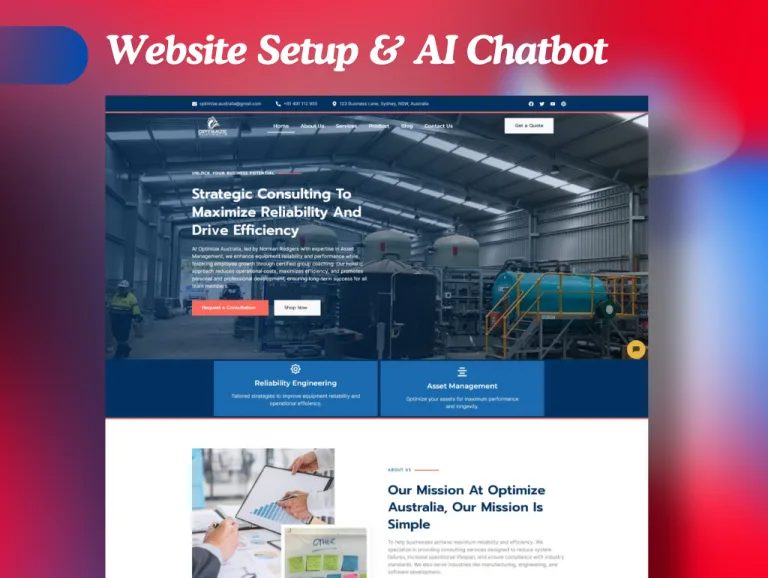
Optimize Australia Website Development & AI Chatbot Setup

Full-scale website development and AI chatbot integration for improved customer engagement and streamlined business operations.

WordPress Elementor OpenAI Voiceflow API Integration
Website + AI Chatbot

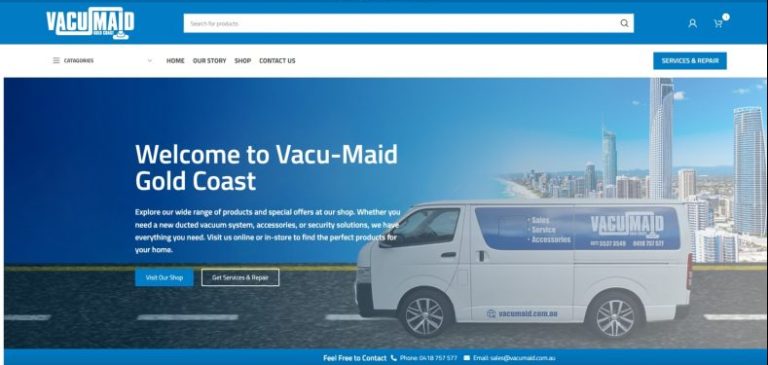
Website Redesign and AI Chatbot Integration – VacumAID

Complete website redesign with seamless AI chatbot integration to enhance user experience and provide intelligent customer support.

WordPress Elementor OpenAI Botpress UI/UX Design
AI SaaS

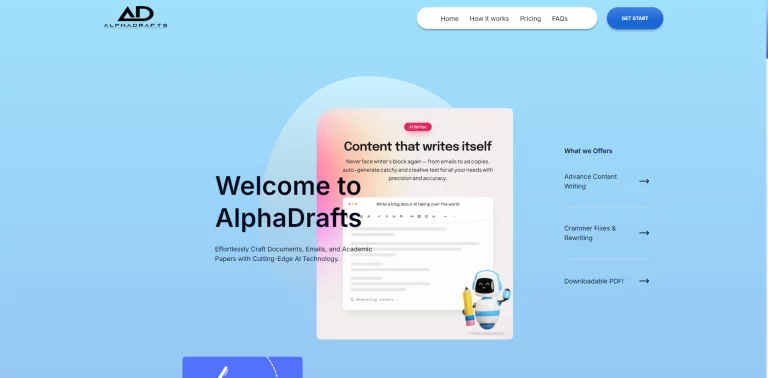
Alpha Drafts (AI-Powered Content Generator and PDF Chat Software)

Advanced AI SaaS platform featuring content generation and PDF chat capabilities with intelligent document processing and analysis.

MERN Stack React Node.js MongoDB OpenAI Express.js
AI SaaS

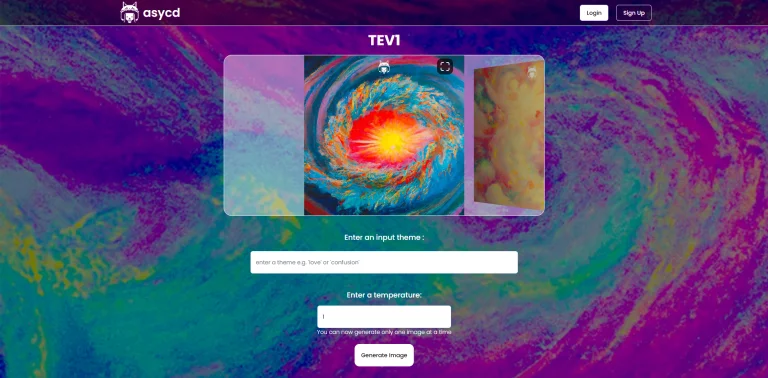
ASYCD (AI-Powered Image Generator)

Cutting-edge AI image generation platform with advanced customization options and high-quality output capabilities for creative professionals.

MERN Stack React Node.js MongoDB OpenAI Stable Diffusion
AI SaaS

Social Quasar (AI-Powered Social Post Design Platform)

Innovative AI-driven social media design platform that automates post creation with intelligent templates and brand consistency features.

MERN Stack React Node.js MongoDB OpenAI Canvas API

What client say about us

★★★★★

Working with CodeMyPixel was a game-changer for our AI SaaS product. They improved our idea with smart suggestions and delivered a fast, stable, production-ready system.

USA Client – AI SaaS Platform
★★★★★

CodeMyPixel built an AI-powered WordPress SEO plugin that completely transformed our organic growth. Thousands of pages were generated automatically with amazing results.

Netherlands Client – SEO Automation
★★★★★

From UI to AI logic, everything was handled professionally. Communication was smooth and delivery was on time. The SaaS platform exceeded our expectations.

UK Client – Content Automation SaaS
★★★★★

Data privacy was critical for us, and CodeMyPixel delivered a fully HIPAA-compliant healthcare AI system that is easy for users to understand and use.

USA Client – HealthTech Platform
★★★★★

They redesigned our website and added an AI chatbot that now handles customer inquiries automatically. Support is fast and the quality is excellent.

Australia Client – Business Website