
Answers the phone
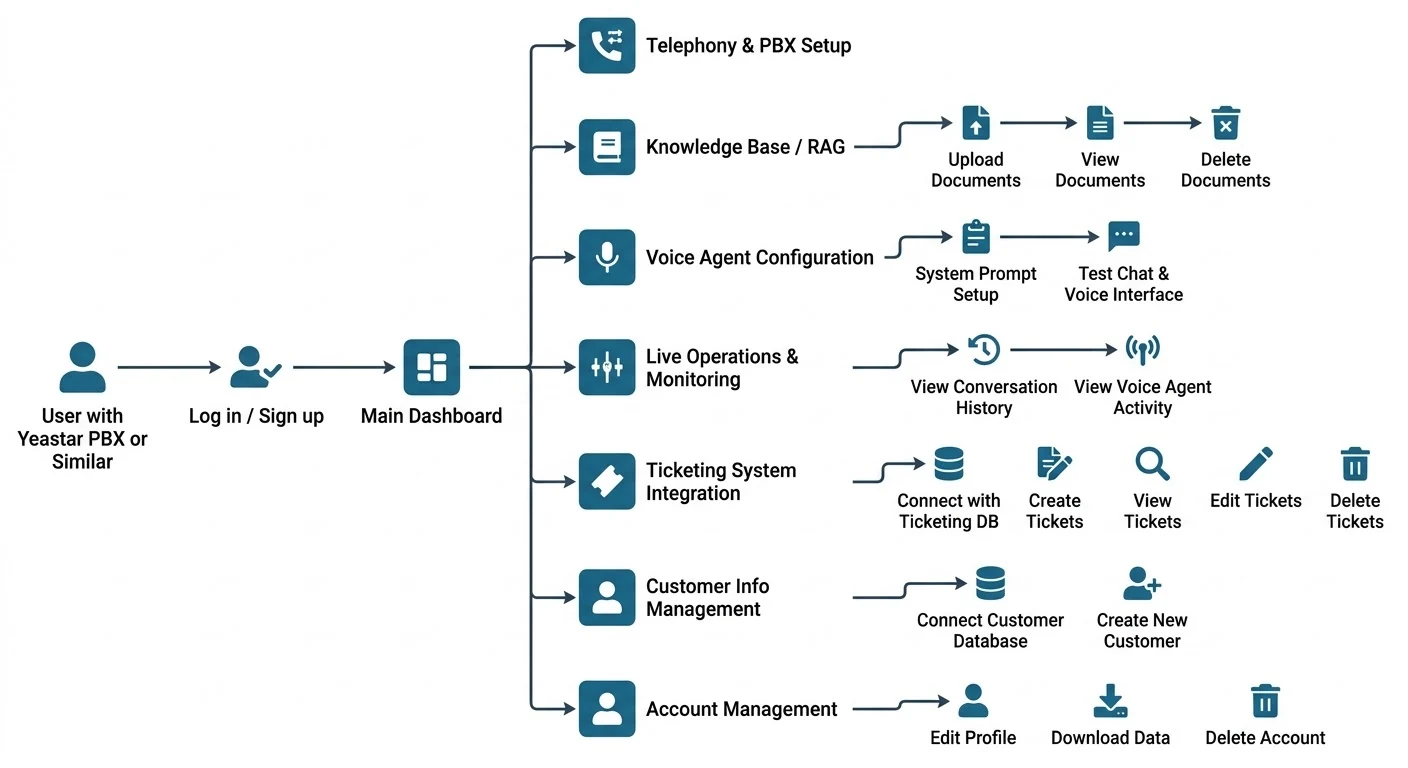
Connects to the Yeastar or SIP system the business already runs, so calls reach the agent on the numbers customers have always dialled.
AI voice agent case study
An agent that answers a business's phone line, finds the answer in that business's own documents, and opens the support ticket before the caller has hung up, on the numbers they already own, and on their hardware if they want it there.

Vocale puts an AI agent on a phone line a business already has. A customer dials the number they have always dialled; the agent picks up on the first ring, speaks their language, answers from the company's own manuals and policies, and when the answer is really "somebody needs to look at this" files a support ticket with the details already collected.
The decision that makes or breaks the economics is where the models run, so the platform ships two engines behind one product. On the hosted tier, speech, reasoning and voice come from a third-party API and every minute is metered. On the self-hosted tier all three run on a GPU under the business's own control, no audio or document leaves the building, and a call costs electricity. Switching between them is configuration; the agent behaves the same either way.
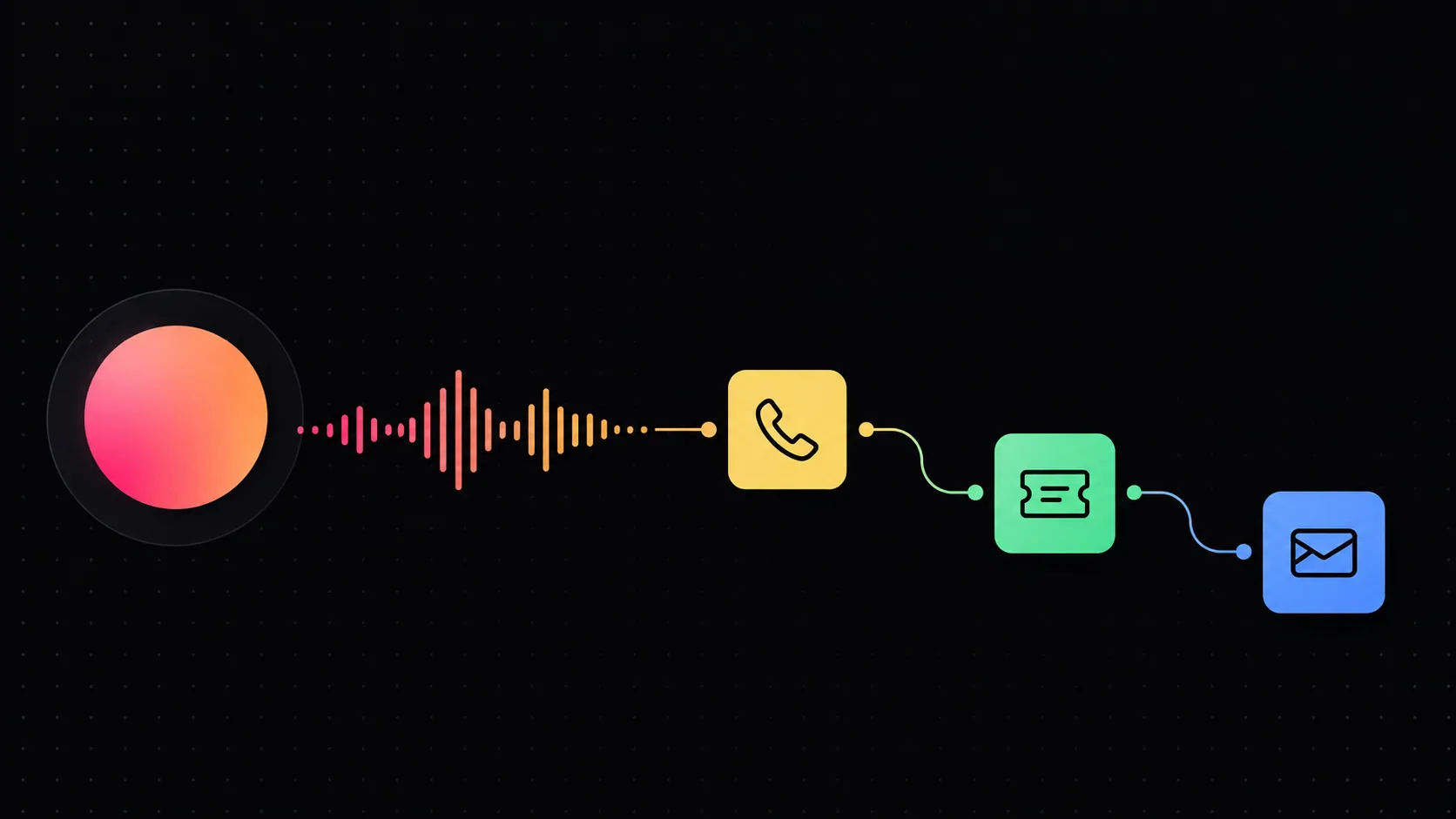
Connects to the Yeastar or SIP system the business already runs, so calls reach the agent on the numbers customers have always dialled.
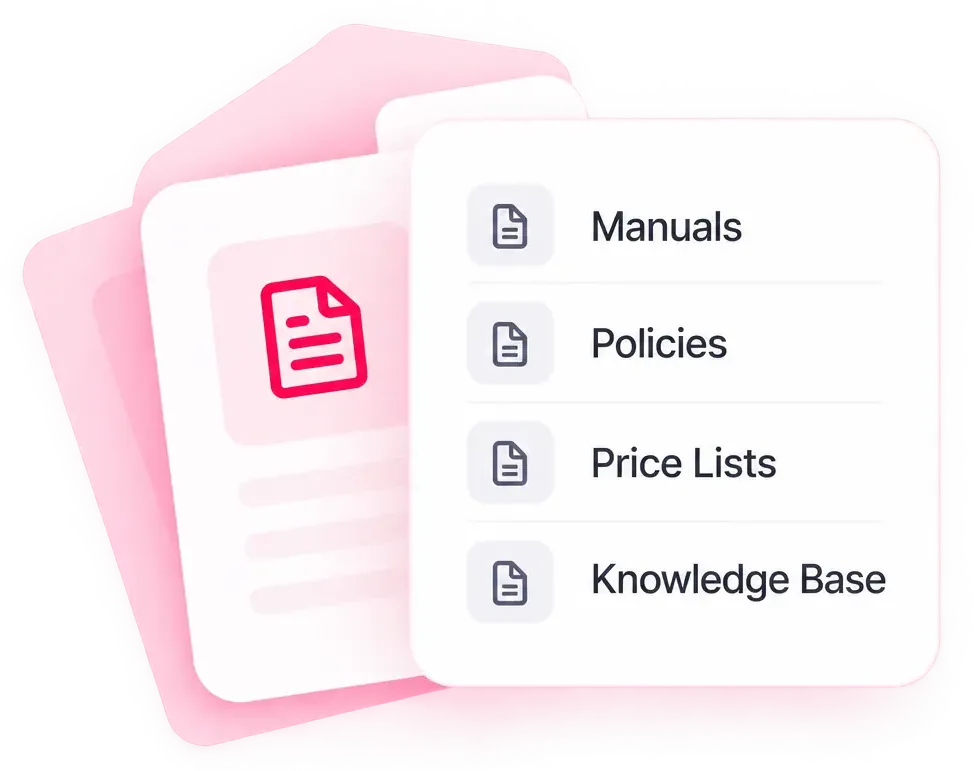
Manuals, policies and price lists are uploaded, indexed and searched at the moment of the question so the answer comes from the business's own material rather than the model's memory.
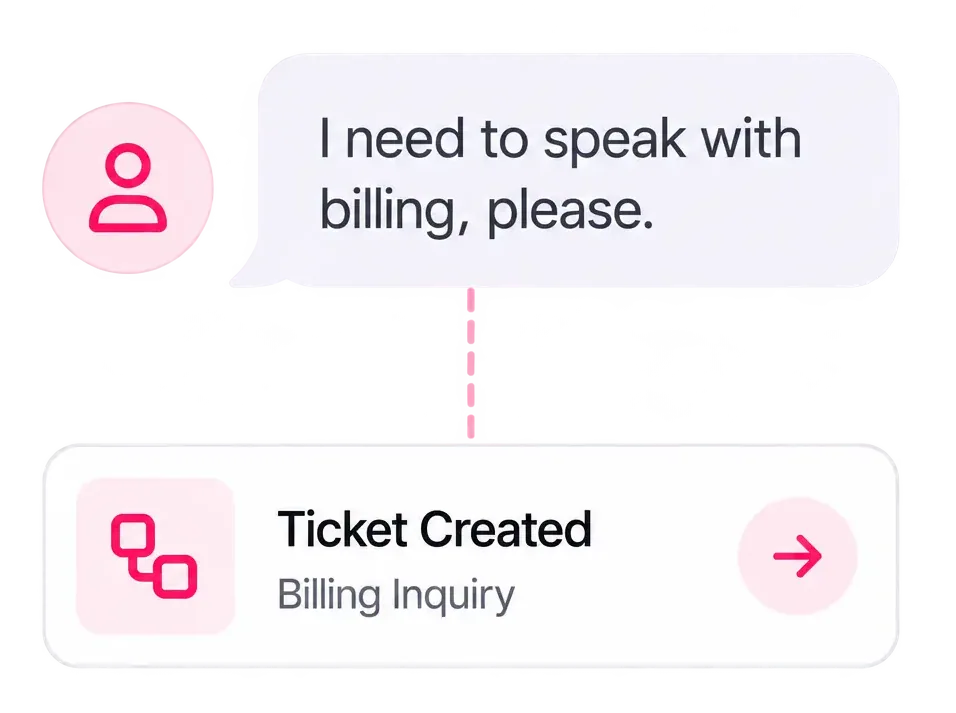
When a caller needs a person, the agent gathers the subject, the contact and the urgency while it still has them on the line, then files the ticket itself.
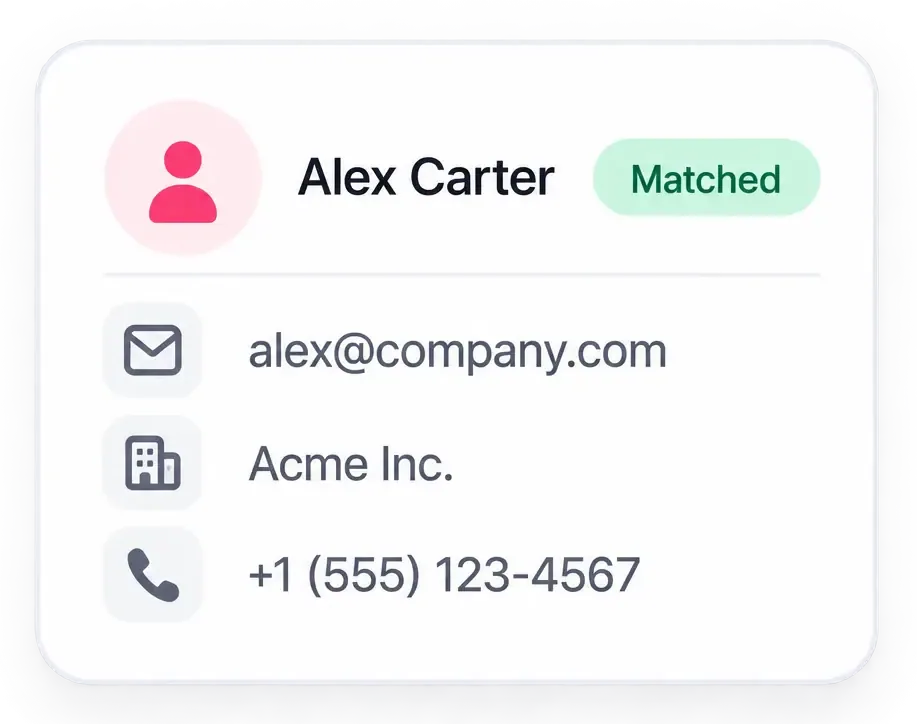
An existing customer database connects read-only, so an inbound number is matched to an account before the agent says a word.
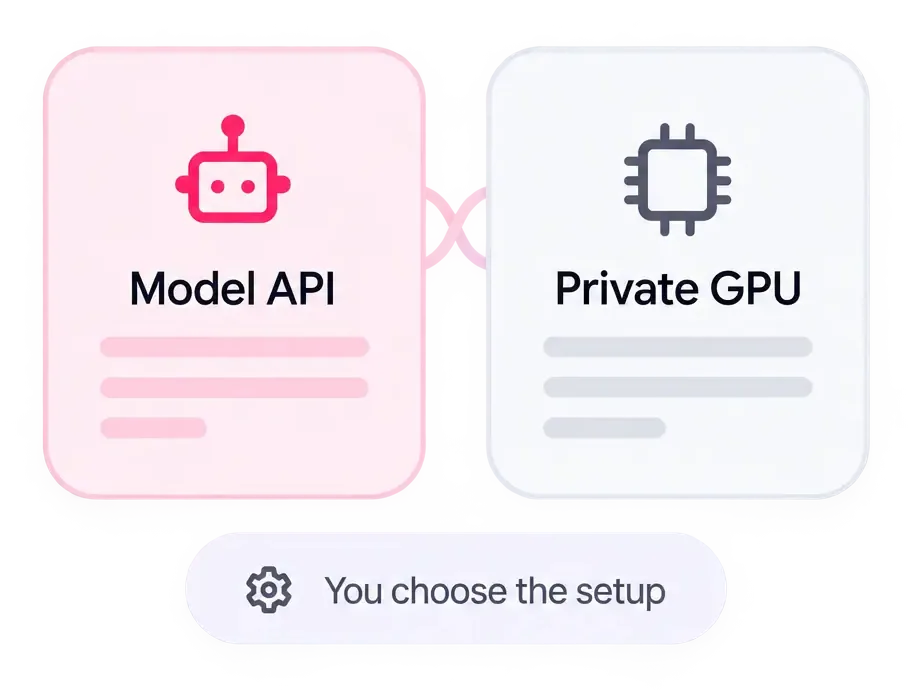
The same agent runs on a hosted model API or entirely on a private GPU. The business picks on cost and on where its data is allowed to go.
A support line is only as available as the people answering it, and the questions arriving on it are overwhelmingly the same handful: what are your hours, is this covered, how do I reset it? The answers are already written down in a manual, a policy, a price list, just not anywhere a caller can reach, and an operator can find while somebody waits. Putting an AI on the line fixes the availability half of that. Renting one by the minute quietly replaces it with a cost problem, because the better it works, the more it is used, and the more it costs each month.
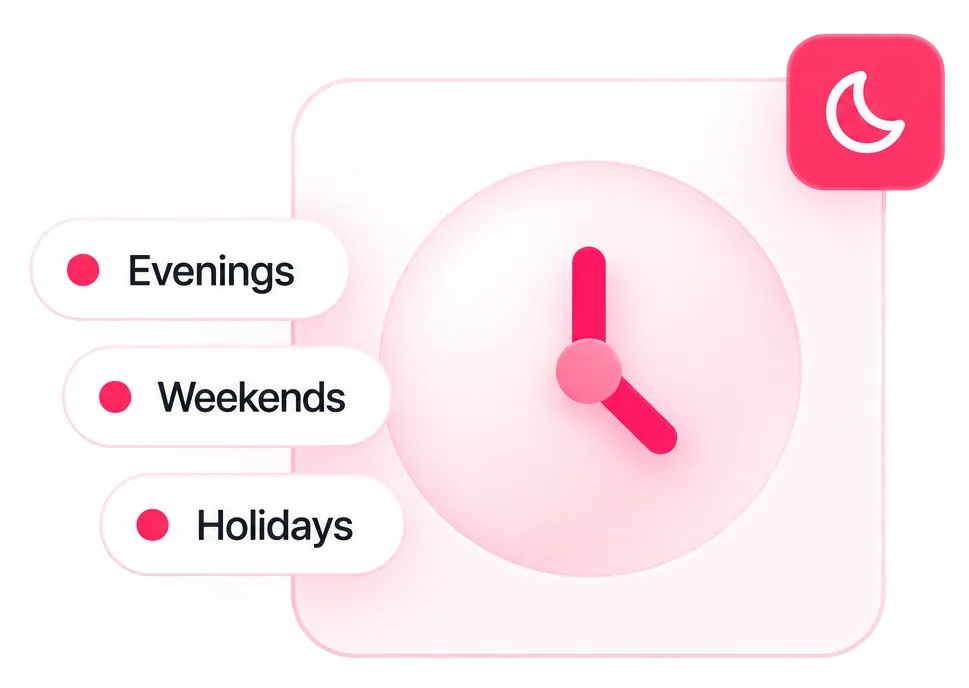
Evenings, weekends and holidays go to voicemail and what lands there is mostly the routine enquiry a person would have closed in a minute.

The information exists in documents, but not in any form somebody can consult with a caller waiting on the line.
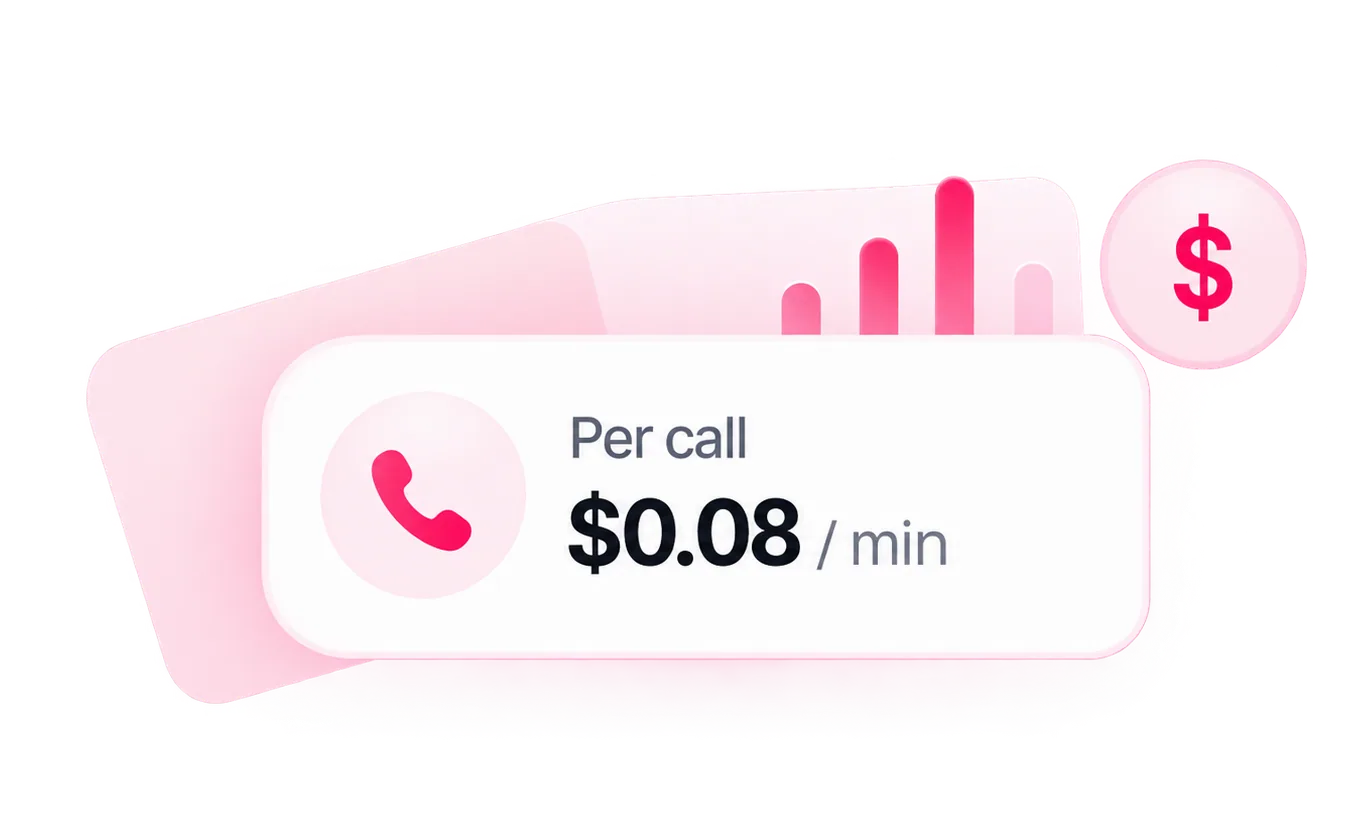
Managed voice-AI platforms bill per call minute, so the bill grows with adoption the wrong incentive to put on a support line.
Vocale sits between a business's phone system and its knowledge. The PBX connects from a form, and the routing is provisioned behind it. Documents are uploaded and indexed. The agent's manner is set in plain language rather than in code, and the whole thing can be rehearsed in a browser before a real call reaches it. Once it is live, everything it did is on the record: the transcript, the searches it ran, the tickets it opened, so the team can judge whether it is doing the job before trusting it with more of one.
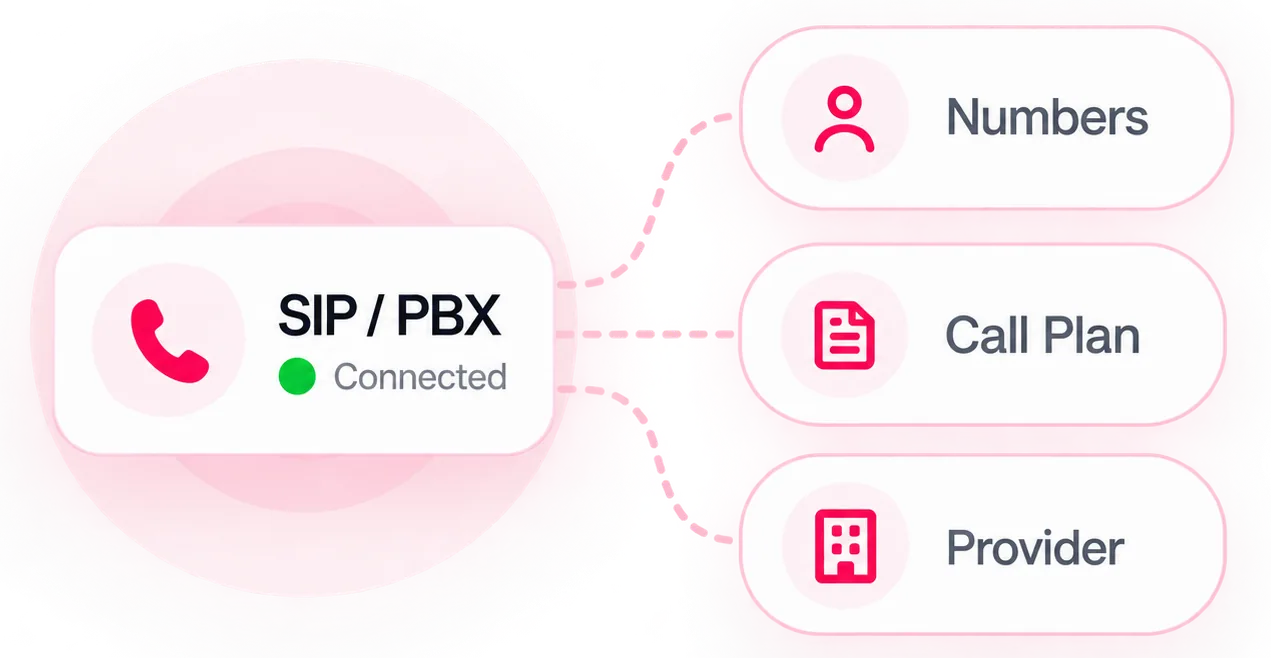
Yeastar and compatible SIP systems register from a form, and the business keeps its provider, its numbers and its call plan.

A question that needs a fact triggers a search across the indexed documents, and the reply is assembled from what came back, with nothing found being an answer the agent is allowed to give.
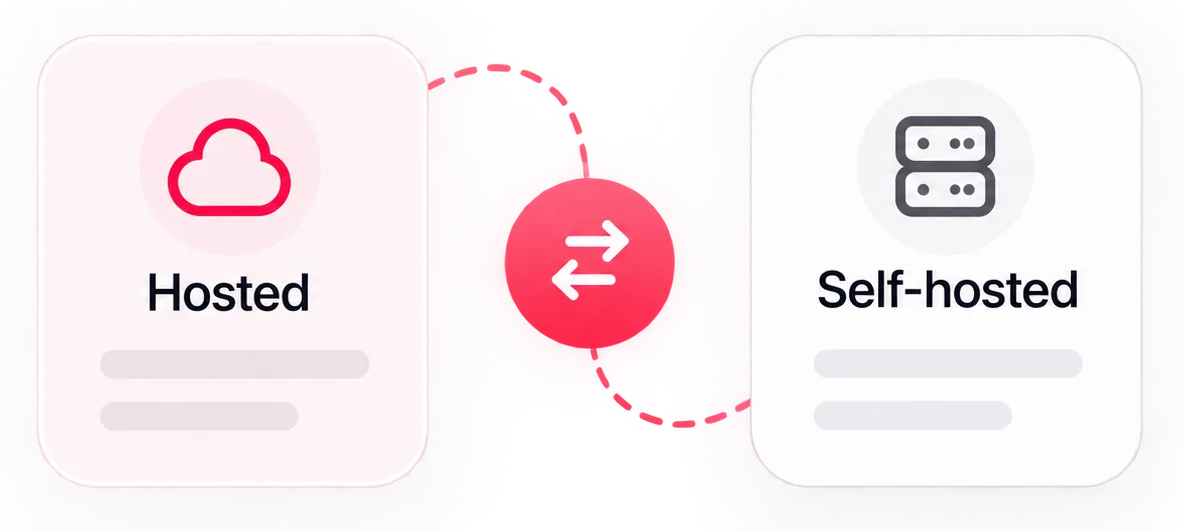
Speech, language and voice run behind a third-party API or on a private GPU. Moving between them is configuration, not a rebuild.
UX researchFeb–Mar
MVPApr–Jul
OperationAug–Sep
DiscoveryFeb
ArchitectureMar
UI designApr–May
Backend and local AIMay–Jul
TestingJul–Aug
OperationAug–Sep
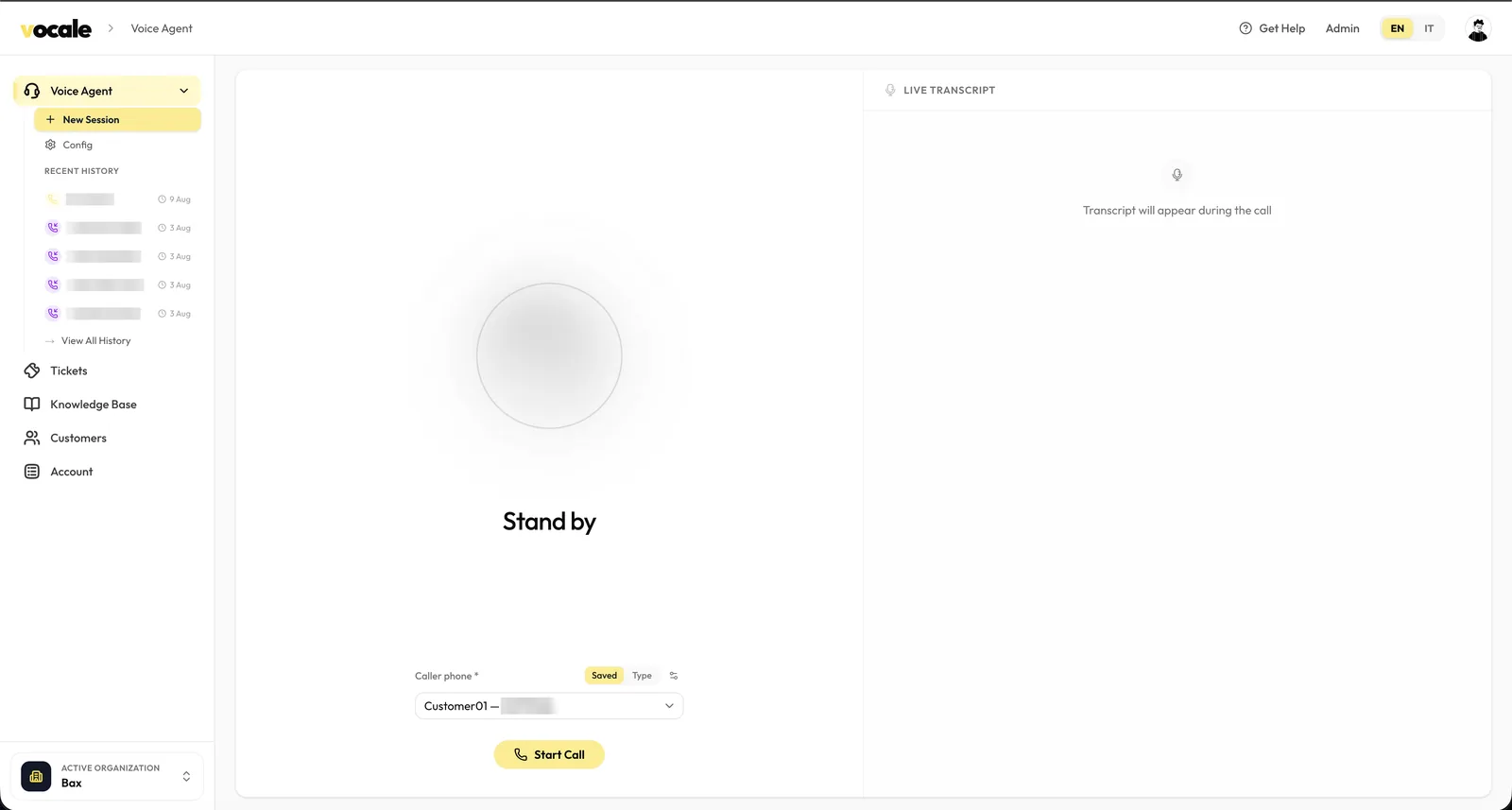
A sandbox that runs the whole pipeline in the browser. Pick a caller, start the call, and the transcript arrives live beside it as the agent hears and answers. Every session it has ever handled, browser or phone, inbound or outbound, is one click away in the rail on the left.
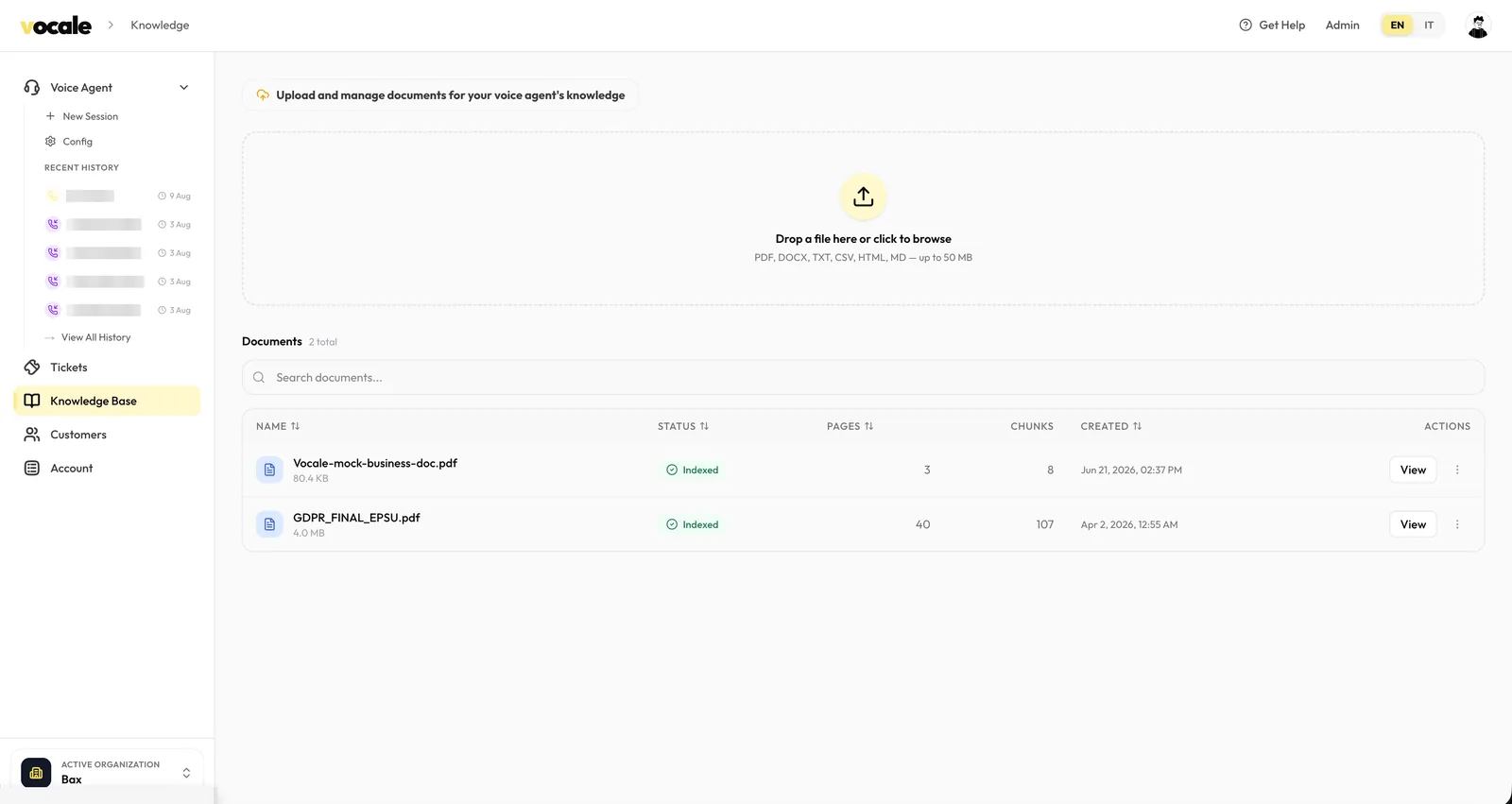
Files are dropped straight onto the page, then parsed, split and indexed. Each row reports how many pages went in and how many searchable pieces came out, so it is obvious at a glance when a document is ready to be quoted on a call and when it is still being worked on.
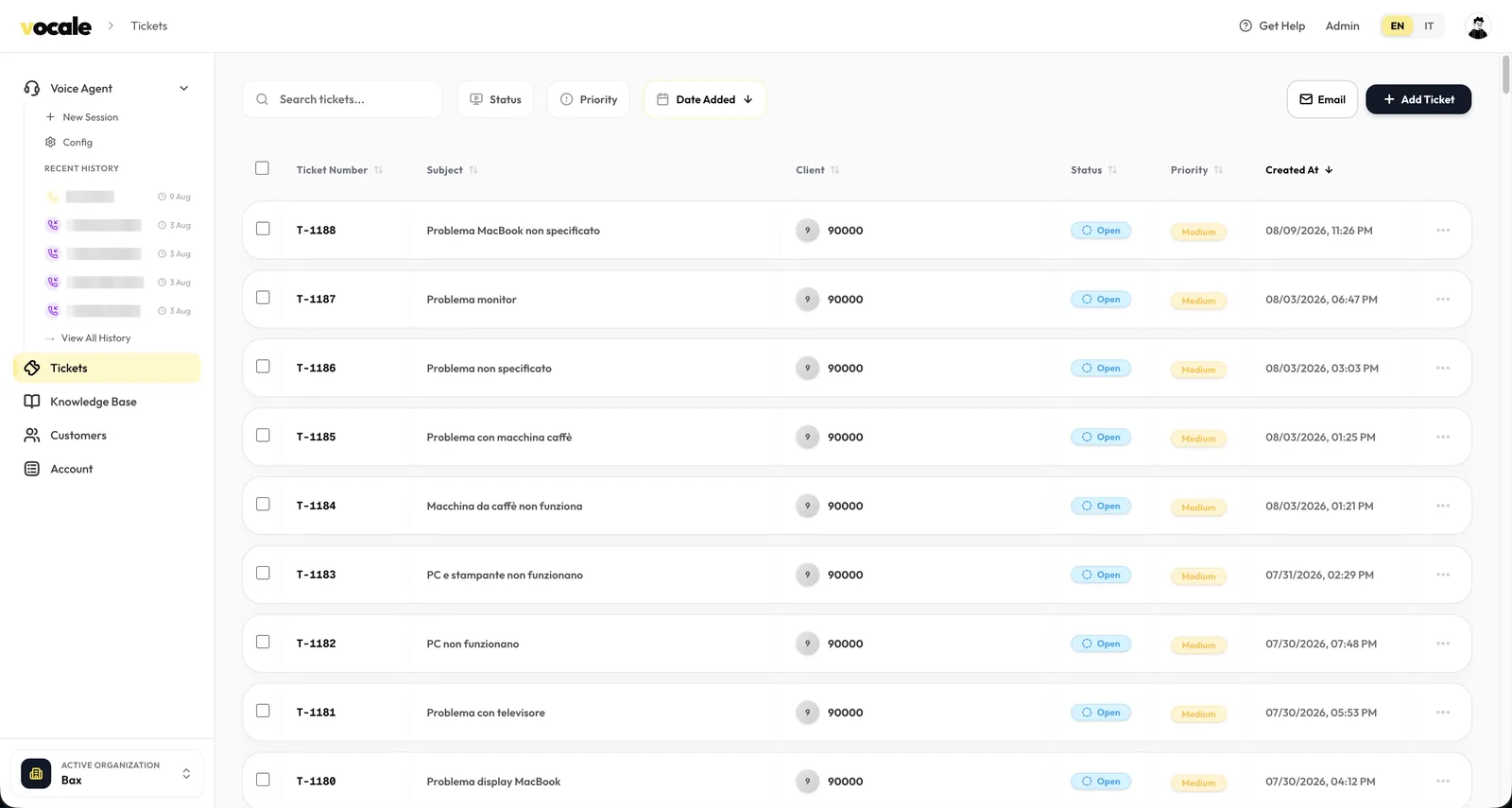
The agent collects the subject, the customer and the urgency while the caller is still on the line and files the ticket itself, transcript attached. Support opens the queue to a list of real problems in the caller's own words instead of a column of missed calls.
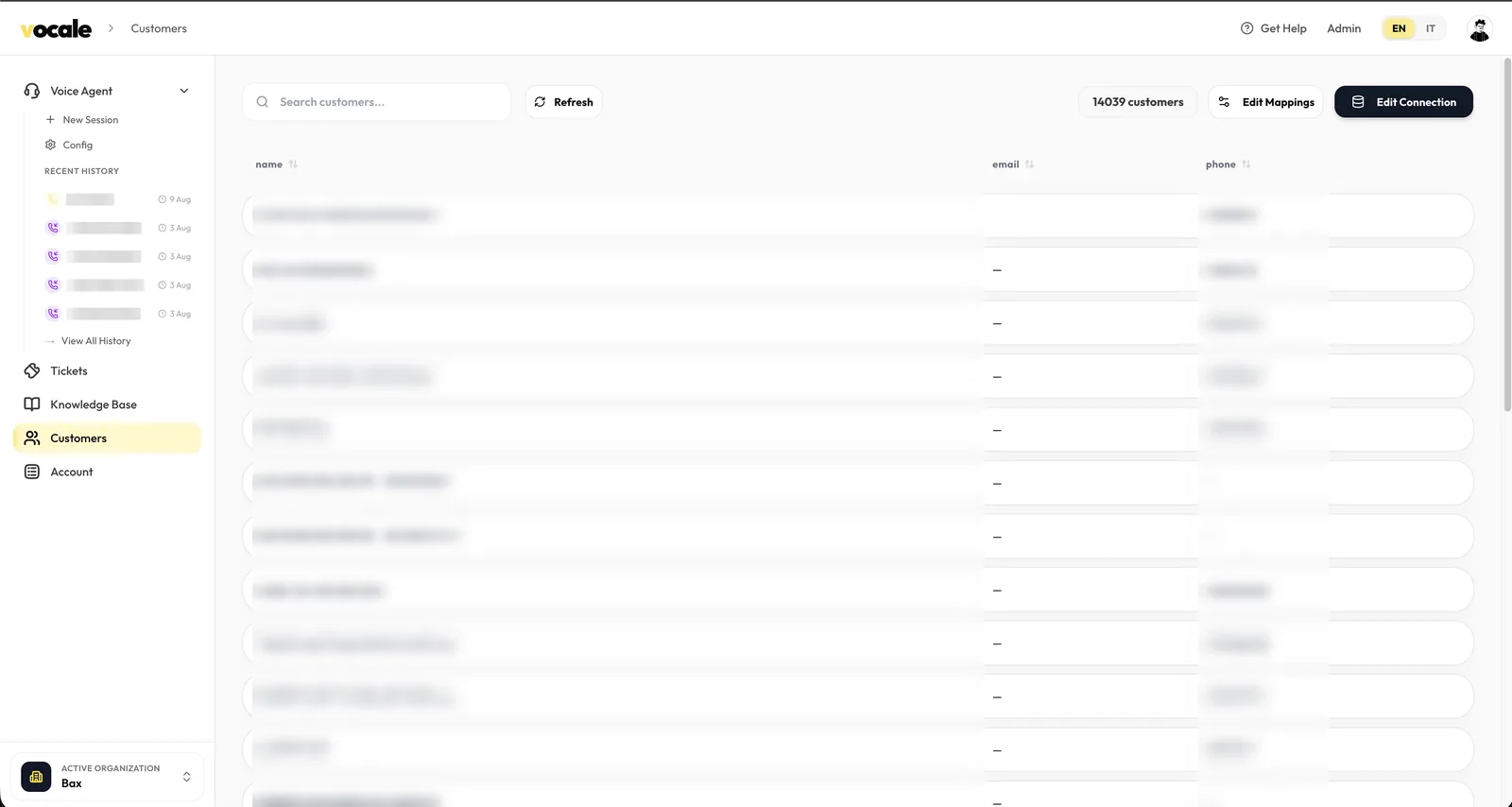
An existing customer database connects read-only, with a mapping step for whichever columns hold the name and the number. From then on an inbound call is matched against it before the agent speaks, and the records stay where they are. Vocale reads them; it does not become the place they live.
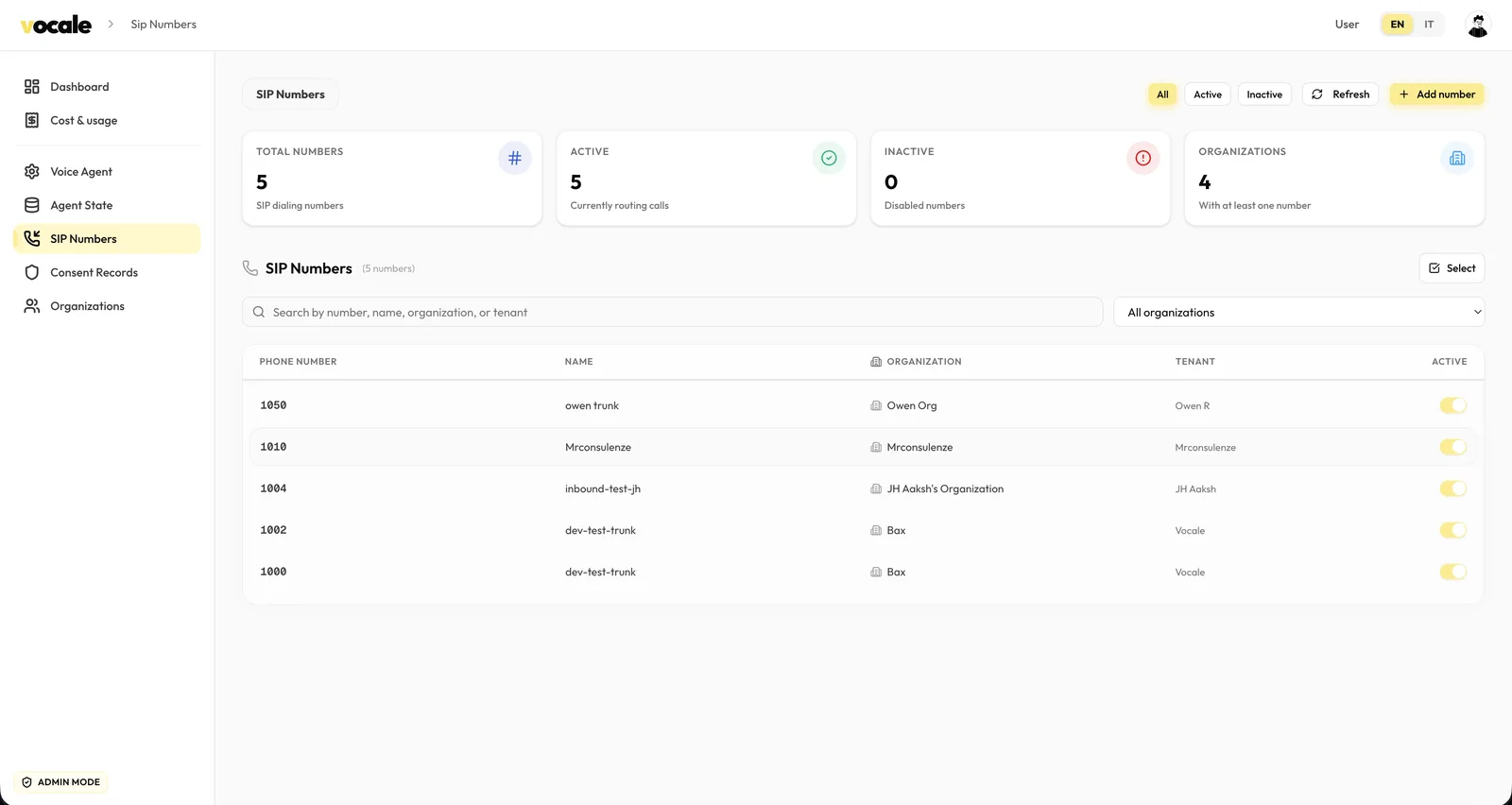
Telephony is the one part a business should not have to get right alone, so provisioning is an operator job rather than a self-service form. Each number is registered, pointed at an organisation, and switched on from here, which doubles as the fastest way to see which tenants are actually taking calls.
Spend is metered the way the models bill it: caller speech, agent speech, and replayed history, broken out per model and per organisation. It is what turns the choice between a hosted API and a private GPU into a decision with a number attached rather than an argument.
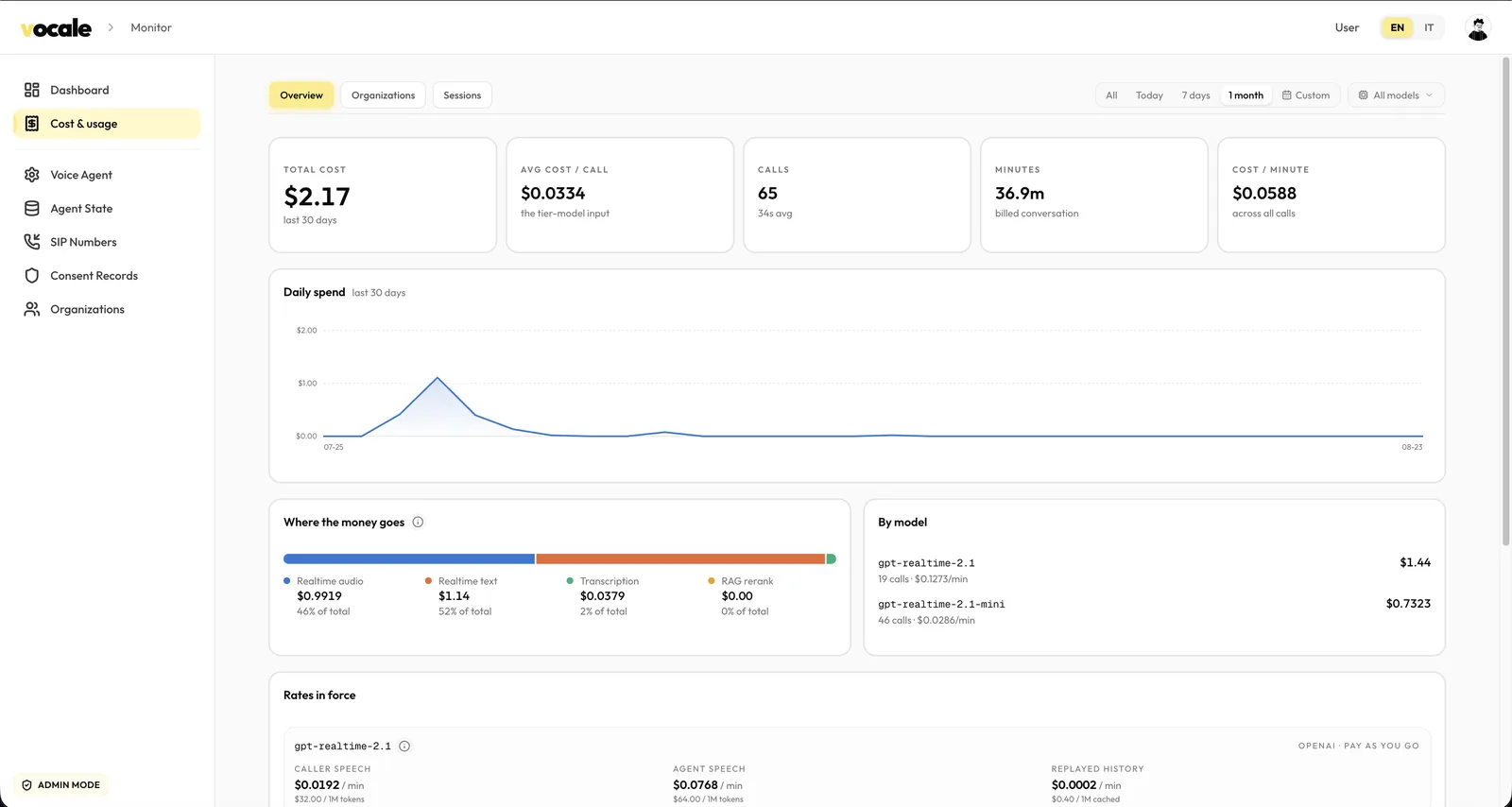
What matters on a support line is not accuracy in the abstract; it is whether the call was answered and whether the answer was right. Vocale answers all of them, at any hour, in the caller's language, and leaves a transcript behind so the second question can be settled. The cost below is what the platform metered on the hosted tier over a month of real calls; the self-hosted tier moves that line onto hardware the business already pays for, and the per-minute figure stops moving at all.
User goal
Functions the agent calls while the caller is still on the line.
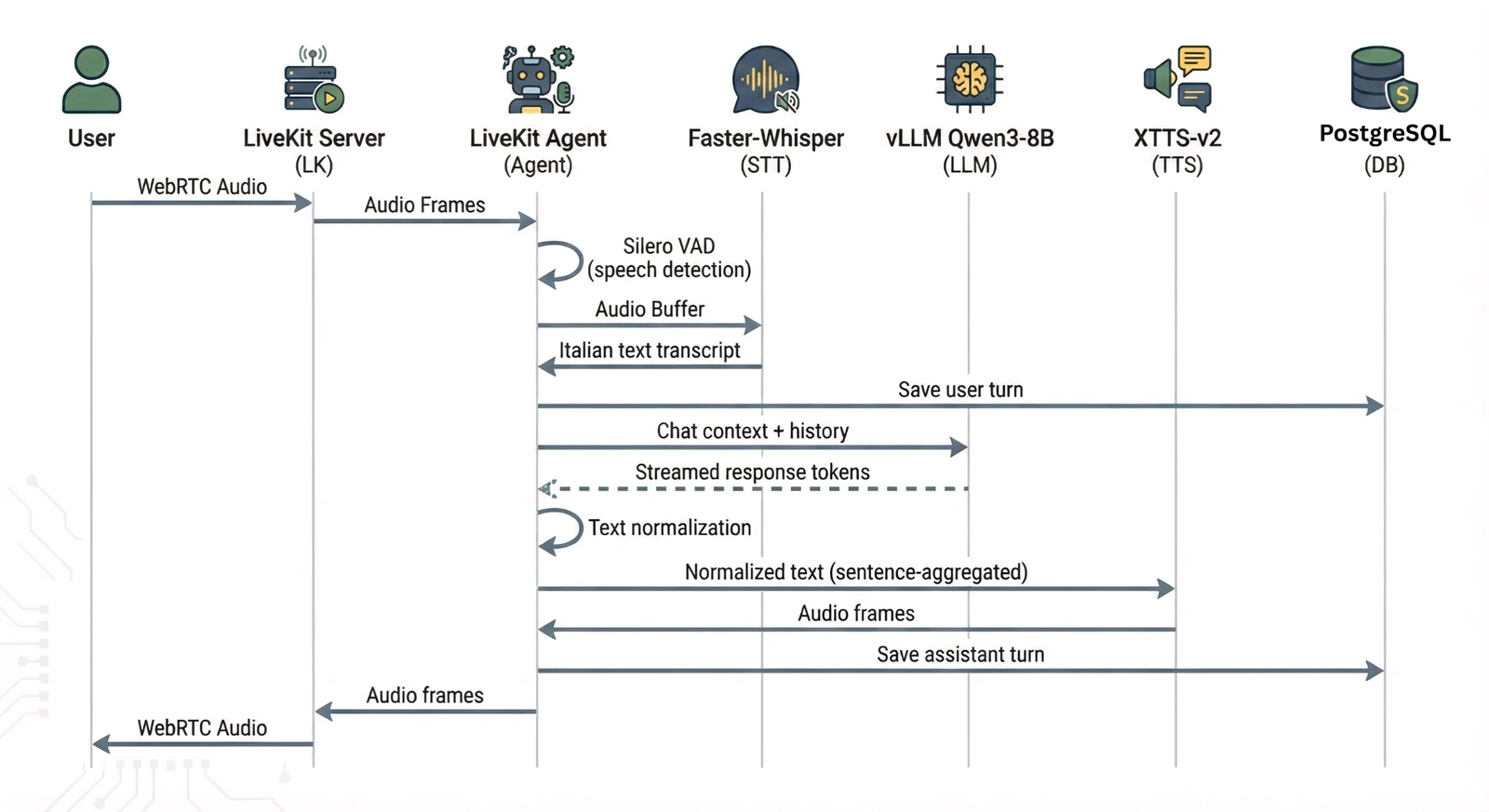
Solution:Callers talk over an answer the moment they have understood it, and an agent that keeps going sounds broken. Voice activity detection cuts the outgoing audio as soon as the caller speaks, then truncates the agent's own transcript to what was actually heard — so the conversation continues from the call the caller experienced rather than the one the system had planned.
Solution:Searching the documents takes long enough to read as a dropped call. The agent fires a short, natural filler half a second in and cancels it if the search returns first, which buys retrieval its time without any of it landing as dead air.
Solution:Written for a screen is not written for a voice: currency amounts, dates as digits, acronyms. A normalisation layer rewrites amounts, dates, times and abbreviations into their spoken form, per language, before they ever reach the speech model.
Solution:A live voice session holds its models in video memory, so capacity is bounded by VRAM rather than by raw compute. Sessions are budgeted per card and the workload is pinned across cards explicitly — left to default pooling, speech and language work land on the same GPU and starve each other.
Let's put an agent on your line.